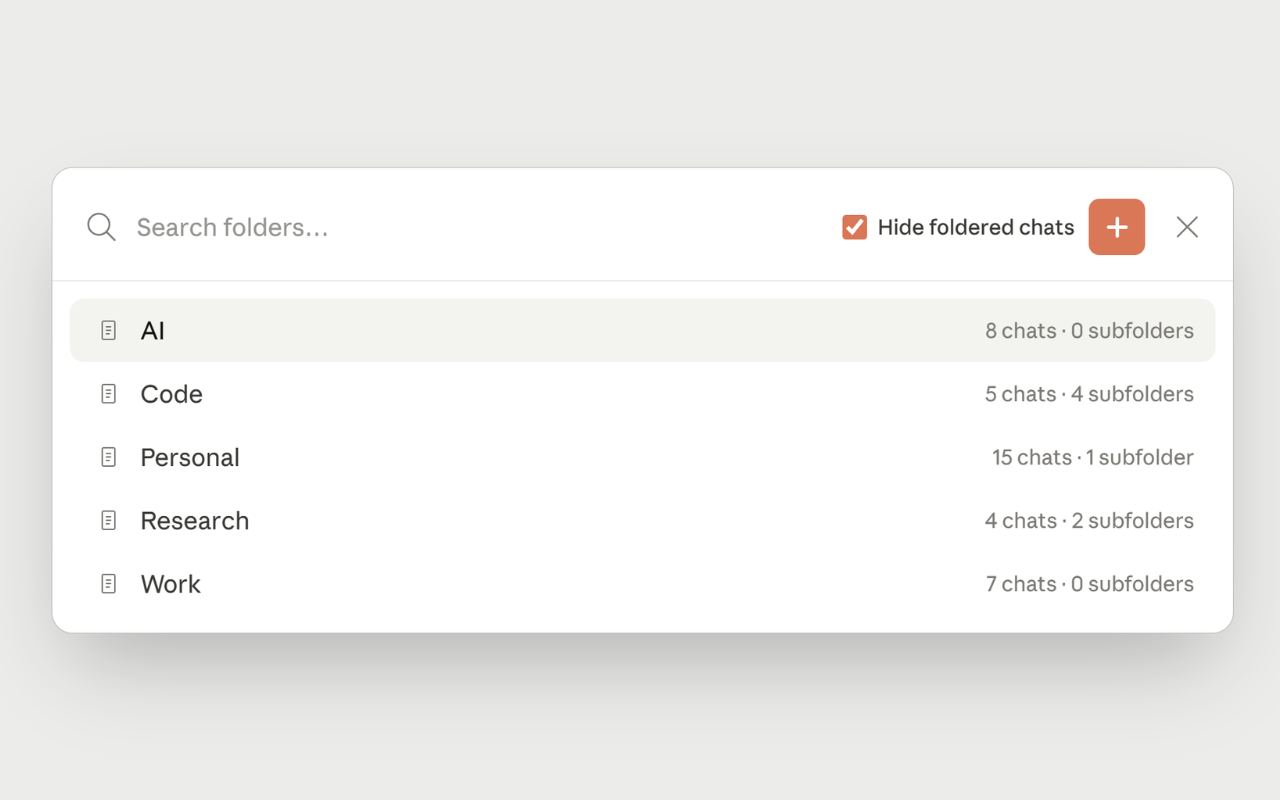
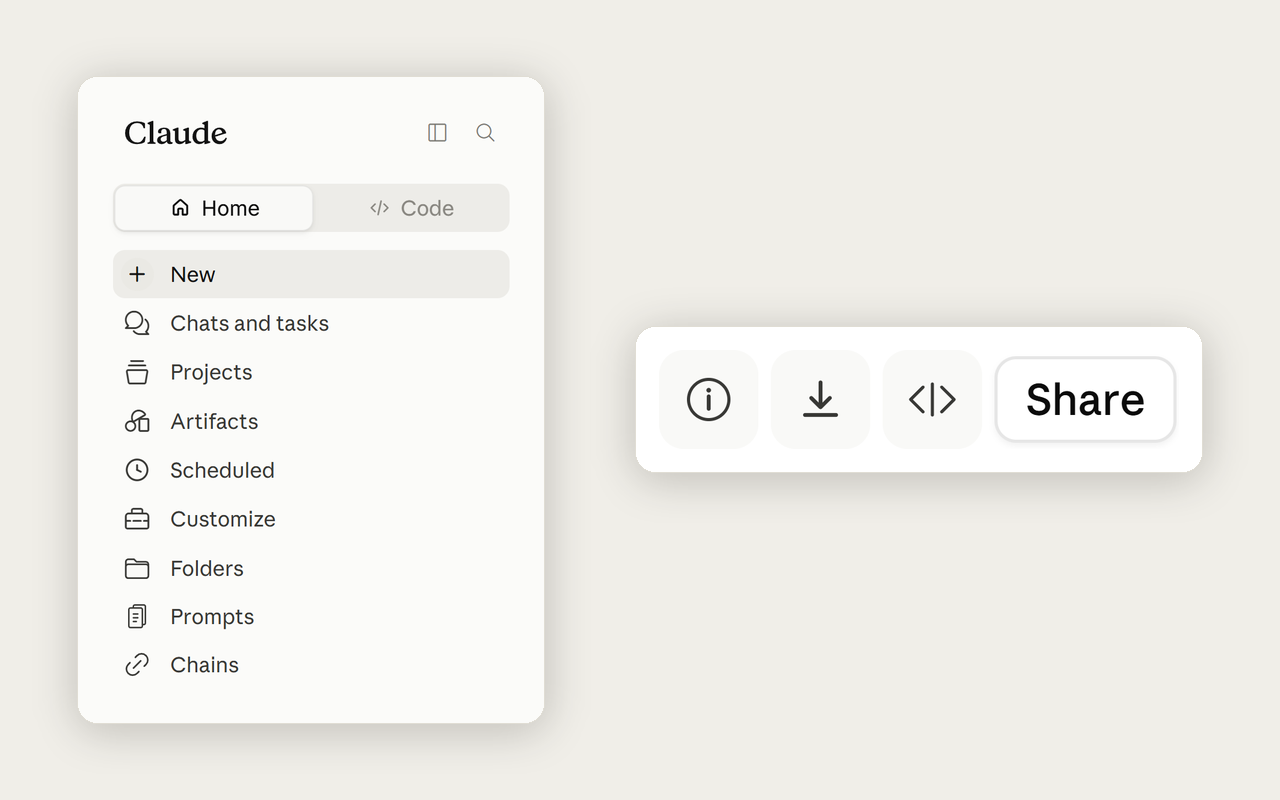
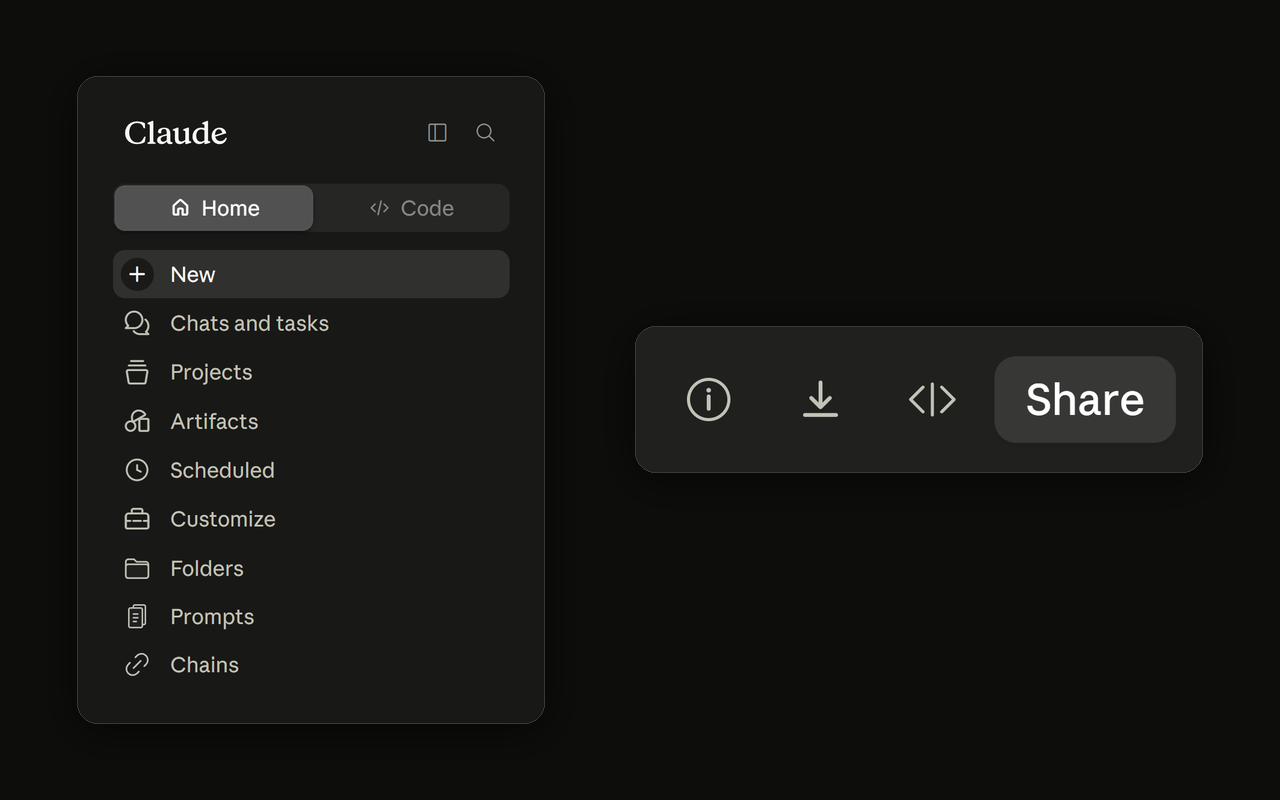
Prompt Library, Chat Export, AI Optimizer, Usage Tracker, Keyboard Shortcuts, and 20+ more features. All running locally in your browser.
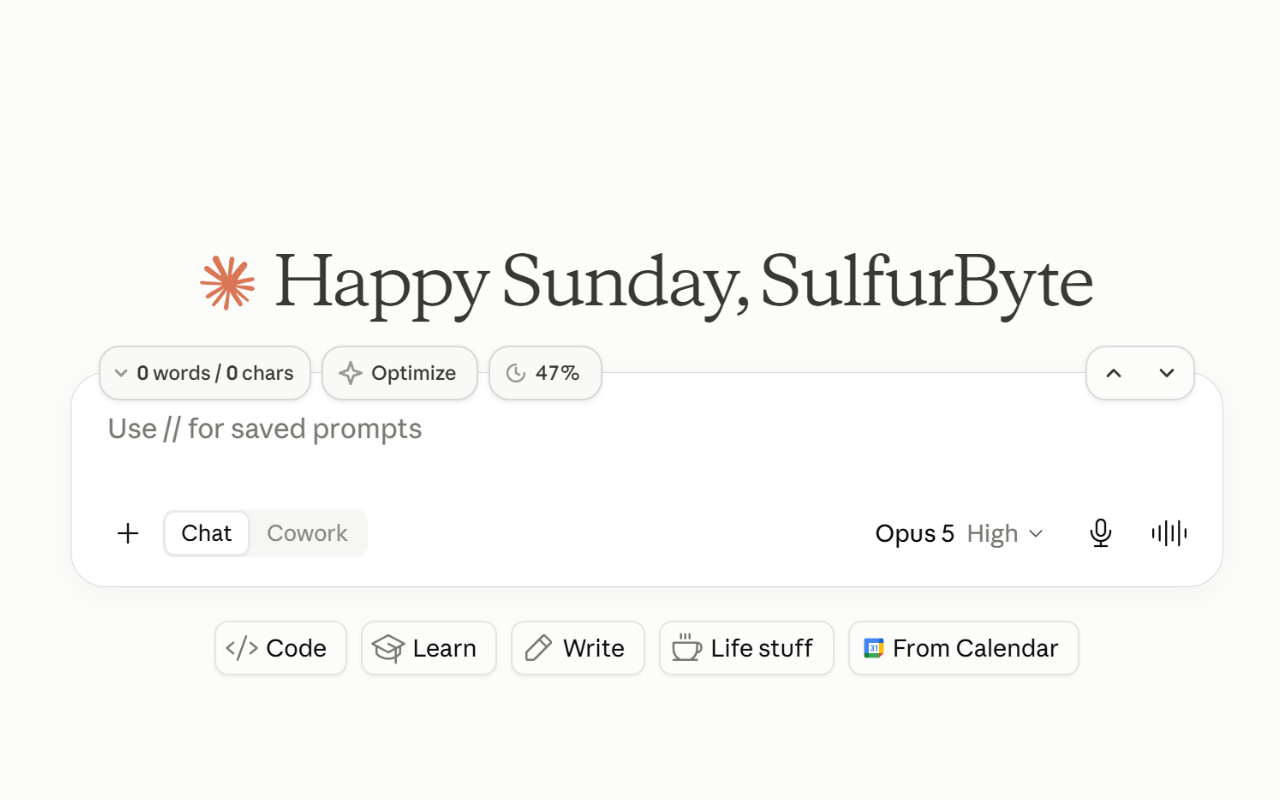
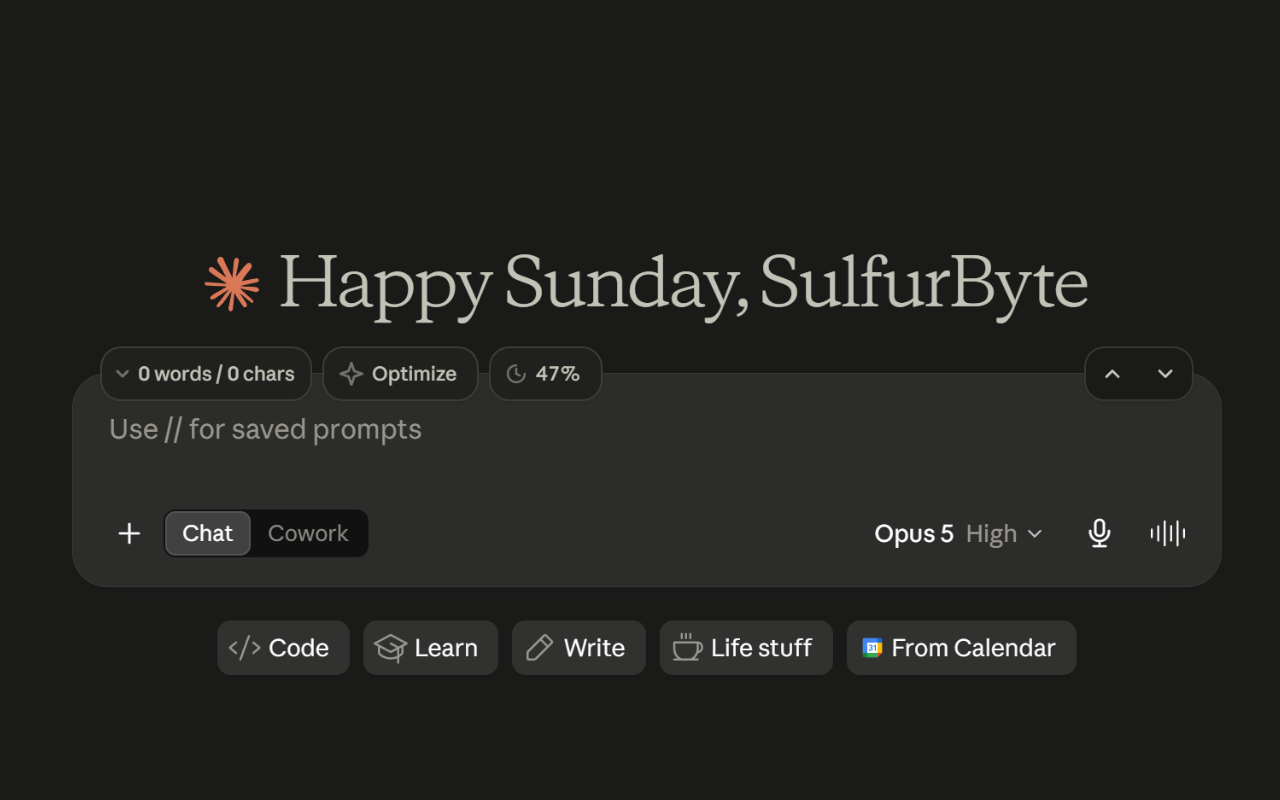
Supercharged message bar
Why Superpower?
Here's what changes when you install Superpower.
The Limitation
Never know when you'll hit the "3 messages left" wall. Limits are opaque and frustrating.
Retype your best prompts every single time. No library, no templates, no shortcuts.
Can't export chats to PDF or Markdown. Your conversations are trapped inside Claude.
No word, character, or token counters.
No keyboard shortcuts. Every action requires navigating menus with the mouse.
No AI optimization, no automation, no prompt chains. Just you typing from scratch.
Supercharged
Real-time 5-hour and 7-day usage tracking. Know your exact percentage and reset time.
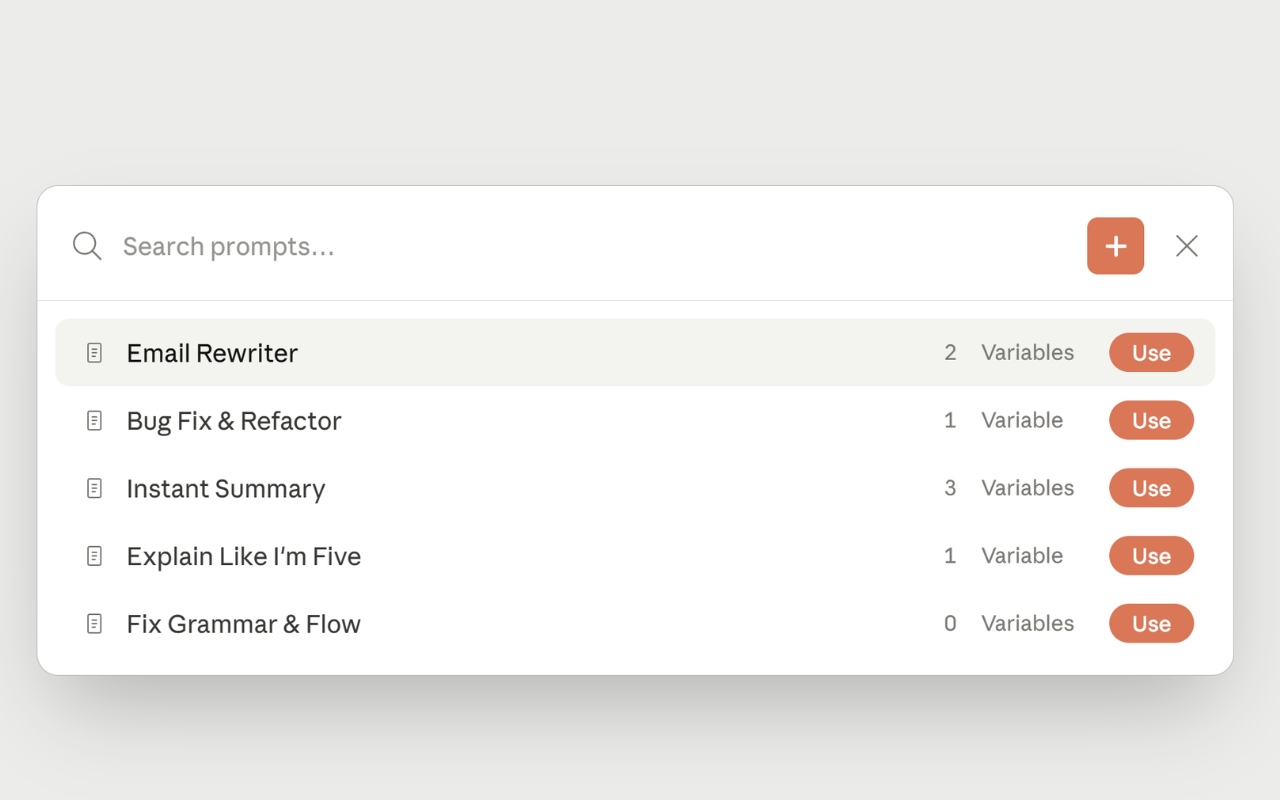
Save and reuse your best prompts. Access instantly anywhere with // slash commands.
One-click export to PDF or Markdown. Your chats, your way.
Word, character & token counters always visible. Monitor your context window as you type.
Fully customizable shortcuts for every action. Stay in flow without touching the mouse.
Automatically rewrite prompts for better results. Chain prompts to automate workflows.
Every feature runs locally in your browser. No servers, no data collection.
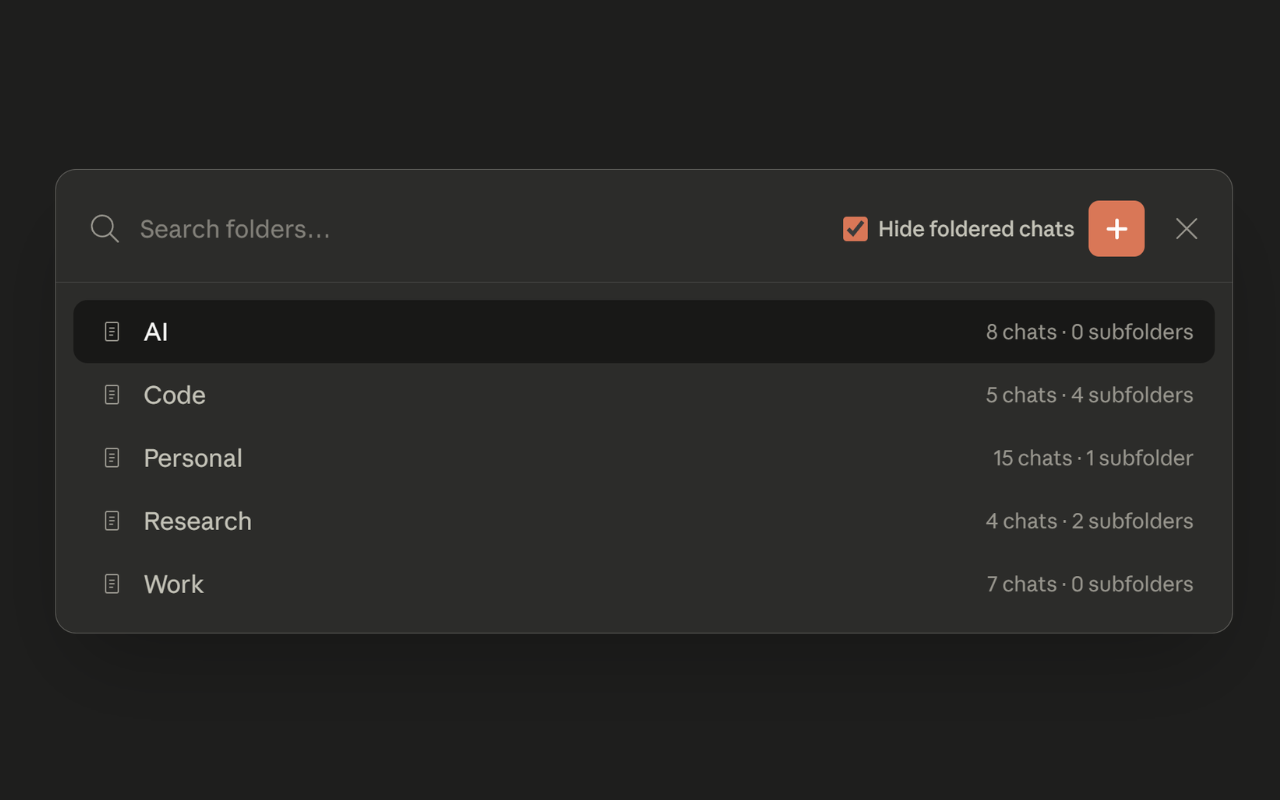
Organize chats into folders and subfolders.
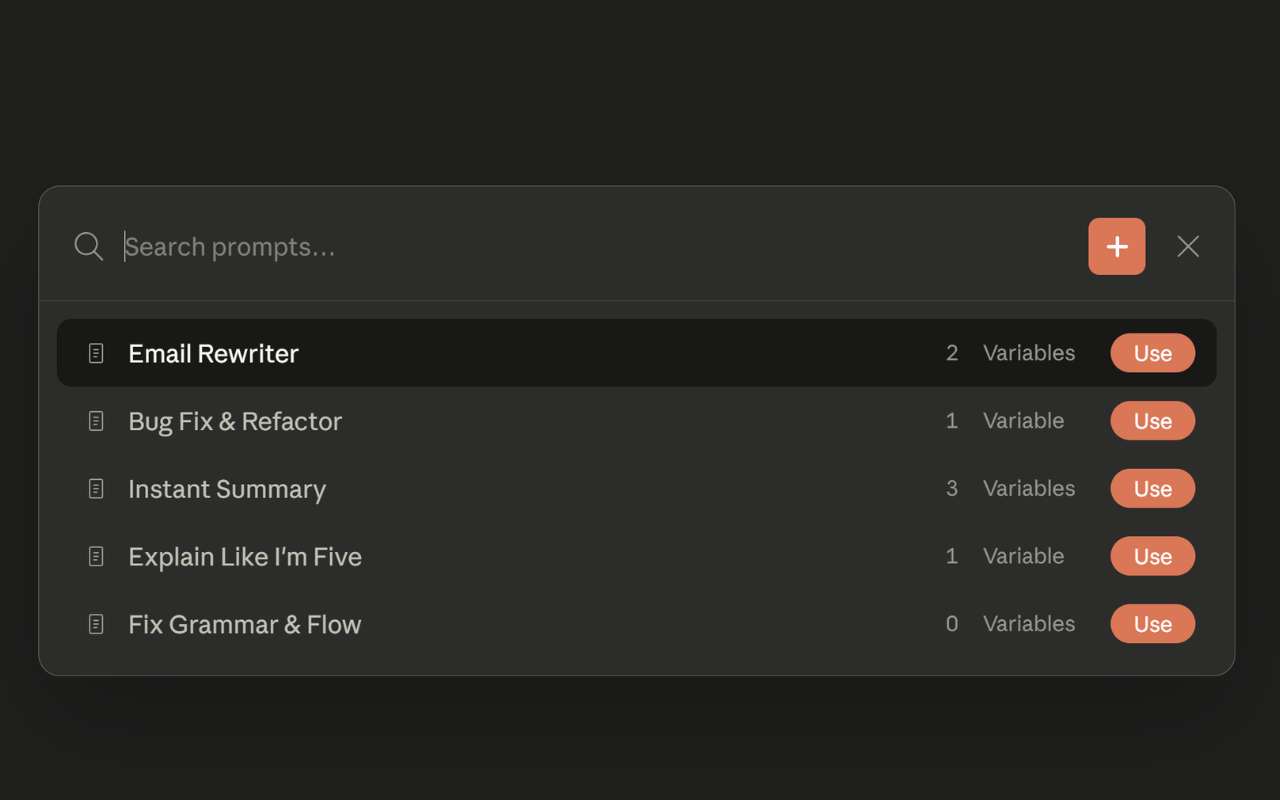
Save and reuse prompts. Access instantly with // slash commands.
Build multi-step prompt workflows that execute sequentially via ,,
Export any conversation to PDF or Markdown in one click.
Automatically improve your prompts for better Claude responses.
Real-time word and character counter right above the input.
Mark the answers worth keeping and jump straight back to any of them.
View conversation stats and add personal notes to any chat.
Fully customizable shortcuts for every action. Work faster.
Live usage percentage and reset countdown right in the UI.
Full-width chat, smart folders, and theme-aware dark mode support.
Scroll-to-top and scroll-to-bottom buttons with autoscroll during streaming.
Start free. Upgrade when you need more.
For everyone getting started
*Limits apply
Everything in Free, and:
The ultimate deal:
One key, four extensions:
Yes! The core extension is free with generous limits. You can save prompts, export chats, use the prompt optimizer, and more at no cost. Pro removes all limits and adds exclusive features like custom optimization prompts.
It shows how much of your limit you've used, as a percentage, for both windows Claude enforces: your 5-hour usage and your 7-day usage, plus exactly when each one resets.
No. Everything runs locally in your browser. There are no analytics and no telemetry — the extension does not phone home. Your chats, prompts, and personal data never leave your device.
Click the "Install Now" button to go to the Chrome Web Store. Click "Add to Chrome", then pin the extension icon in your toolbar for quick access. Visit claude.ai and you're all set.
Pro unlocks unlimited prompts, chains, bookmarks, exports, and optimizations. It also includes Custom Optimization Prompts (use your own system prompt for the AI optimizer) and Google Drive Sync (back up & sync your folders, prompts, chains, bookmarks, and notes across devices). All future Pro features are included.
After purchasing, open Claude and click the extension icon in your browser toolbar. Click "Upgrade" and then click "I have a license key", paste your key, and click Activate. Your Pro status syncs across devices. See the full activation guide →
Yes. One license key works on up to 3 devices. Your settings sync via Chrome's built-in sync storage, so your setup follows you automatically.
Email [email protected] within 14 days of purchase for a full refund, no questions asked.
Works on Chrome, Edge, and all Chromium browsers.